Email CRM vs. traditional CRM: when each approach makes sense
Email CRM or traditional CRM? We show when an email-first approach with a Kanban board, helpdesk and AI support beats a record-driven system — with a clear recommendation.
For most companies, customer communication still runs on email. Yet requests land in scattered inboxes, get buried in CC chains or sit untouched because no one feels responsible. A traditional CRM promises order — but not every team needs a record-driven sales system. Often an email-first approach is the better, leaner fit. This guide helps you choose the right one for your team.
The core problem: scattered inboxes
As soon as more than one person handles requests, the shared inbox becomes a bottleneck. Typical symptoms:
- Requests answered twice, or not at all
- No one sees at a glance what’s open, in progress or done
- Knowledge lives in people’s heads instead of in the system
- Context is lost during holidays or handovers
A traditional CRM only partly solves this. It’s strong at pipelines, forecasts and the structured capture of deals — but day-to-day email handling often stays a second, separate system. This is exactly where an email CRM comes in.
Email-first: communication at the core
An email-first system flips the logic. Instead of putting contacts and deals at the centre and attaching emails afterwards, the email itself is the unit of work. That reduces friction, because your team works where the communication already happens.
A Kanban board for emails
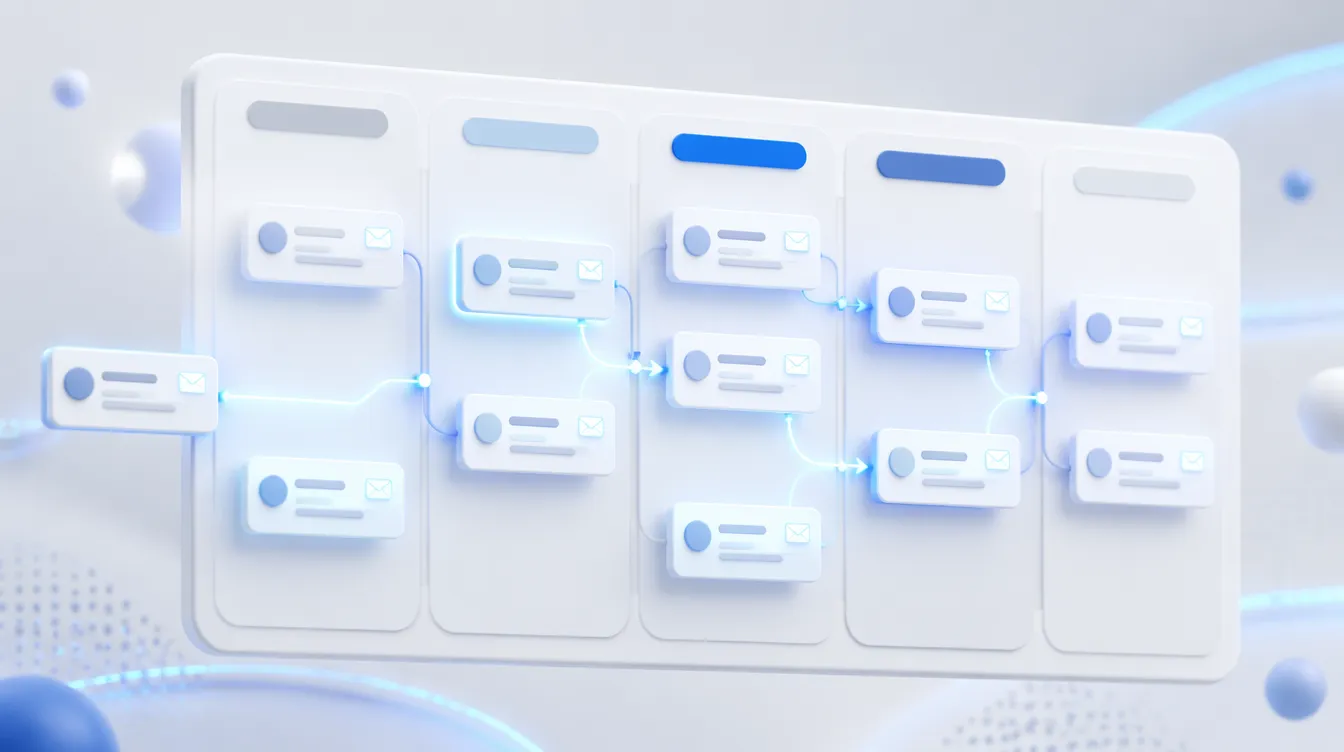
A Kanban board makes the status of every request visible: from “New” through “In progress” to “Done”. Each email becomes a card you drag along the board. The whole team can see in seconds where things are stuck — without status meetings.
Integrated helpdesk and ticketing
Any request can become a ticket clearly assigned to one person. Responsibilities are unambiguous, nothing slips through the cracks, and history plus internal notes stay in one place. Solutions like email-insight connect this ticketing directly to the inbox, so no separate support tool is needed.
AI support in everyday work
Modern email CRMs use AI not for its own sake, but to take concrete load off your team:
- Reply suggestions provide a ready draft that your team only reviews and adjusts
- Sentiment detection flags angry or urgent messages so they get prioritised
- Summaries of long threads save onboarding time during handovers
People stay in charge; the AI handles the busywork. If you want to see how such features fit into an existing workflow, email-insight offers a hands-on example.
Outlook sync and multilingual teams
An email CRM should fit into your existing infrastructure. An Outlook sync keeps messages current in both directions — your team keeps working in its familiar environment. For international companies, multilingual support also matters, both in the interface and in AI-assisted replies.
Data protection as a baseline
Customer communication is sensitive. Make sure the system works in a GDPR-compliant way and is ideally organised to recognised standards such as ISO 27001. Key questions: where is the data processed? How is access controlled? Can deletion deadlines be met? A solid data-protection concept isn’t an extra — it’s the foundation.
Which approach suits whom?
An email CRM shines above all here:
- Support teams working through many incoming requests in a structured way
- Small teams wanting a lean solution without a months-long CRM rollout
- Sales at first contact, where fast, clean communication matters more than complex pipeline automation
A traditional CRM remains the better choice when your sales team manages complex, multi-stage deals over long periods, needs extensive reporting and forecasts, or is deeply integrated with ERP and marketing automation.
Conclusion
The question isn’t “email CRM or traditional CRM”, but: where does most of your effort arise? If it’s in the daily handling of requests, an email-first approach with a Kanban board, ticketing and AI support brings noticeable relief fast — often leaner and cheaper than a big CRM project. We’re happy to show you, using email-insight, how this works in your day-to-day.